 Gemini 4 Hydrogen
Gemini 4 Hydrogen — AI Image & Motion Video Studio
Generate structured scene code with Gemini 4 Hydrogen and 20+ vendor-grouped LLMs, render directly in your browser to PNG images or MP4 motion videos, plus GPT Image 2.6 (GIF/SVG) and Seedance 2.5.
0/6000
Examples
1 / 34Trending
Drag to compare · Choose a template
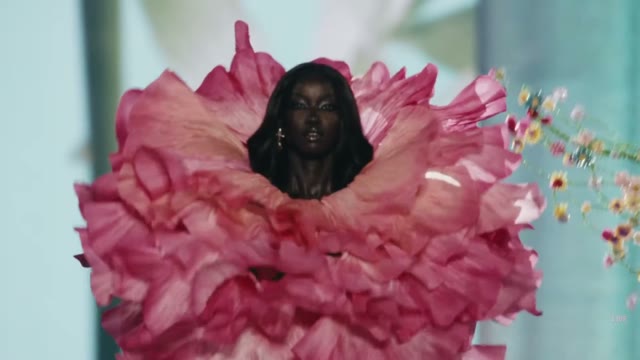
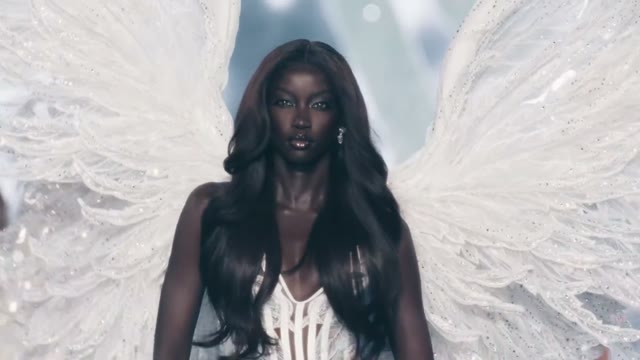
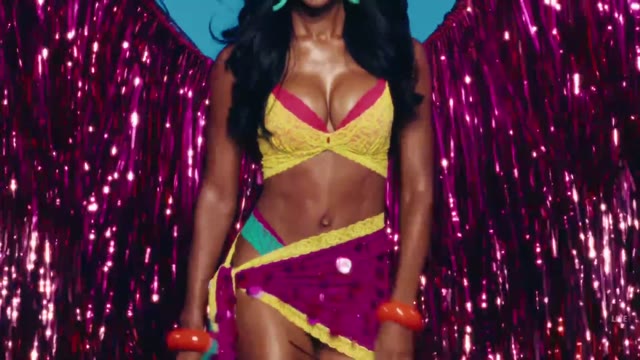
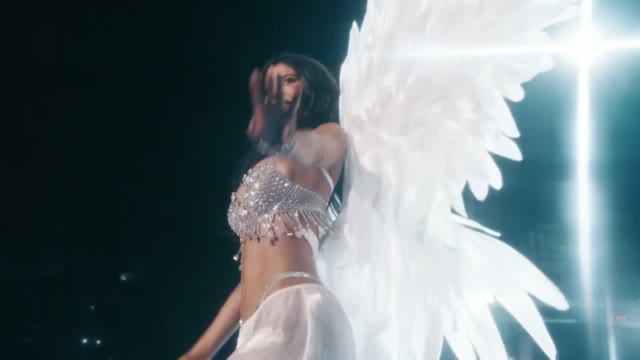
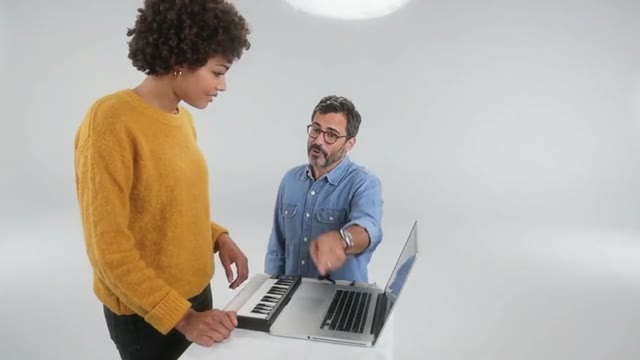
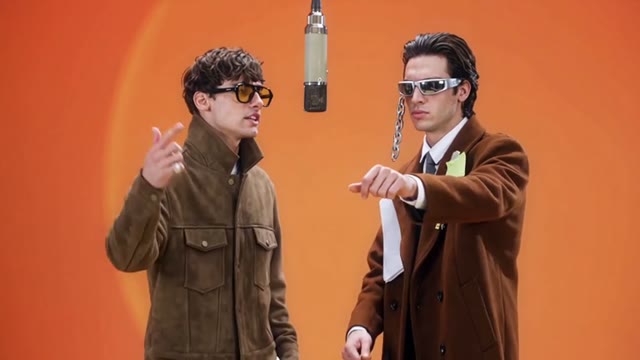





01
Code-rendered visuals and motion powered by Gemini 4 Hydrogen
4hydrogen.net opens directly in Image mode with Gemini 4 Hydrogen selected by default. Instead of merely rewriting prompts, selecting Gemini 4 Hydrogen or any other connected LLM calls that model to generate a structured visual scene and renders it natively in your browser canvas.
Every connected LLM is grouped cleanly by vendor across Google, Anthropic, OpenAI, DeepSeek, Alibaba, Moonshot AI, xAI, Meta, MiniMax, and NVIDIA. Switch between Code Image (browser PNG export at 720p/1080p) and Code Video (interactive timeline preview + browser MP4 export) without leaving the workspace.
Alongside LLM code rendering, the studio includes GPT Image 2.6 Flare and Sunburst (defaulting for animated GIF and clean SVG workflows), Kie Seedance 2.5 video face swap, diffusion video models, browser image utilities, and Humanize AI.
Public examples on the homepage are genuine Gemini 4 Hydrogen outputs stored in our own media bucket. Click any example to load its exact prompt and model settings, inspect the upfront credit reservation (1 cent = 1 credit), and review your exported PNG or MP4 before publishing.
MiniMax H3 Max · 768P · Native Audio
Faster renders. Sharper direction.
H3 Max is a fal post-trained variant of the open-weight H3 base, built for fast text-to-video, first-to-last-frame animation, and structured long prompts with native synchronized audio. When testing H3 Max, record the inputs, duration, and review criteria together. Gemini 4 Hydrogen is an independent tool, not an official MiniMax or fal website.
Text to VideoImage to Video768P5–15sNative Audio
≈2.5sbackend inference for a 5s 768P clip; queue and prompt expansion add to total wait time.
02
Create with Gemini 4 Hydrogen in four clear steps
Describe the composition, typography, palette, and visual hierarchy you want. Gemini 4 Hydrogen translates your brief into a validated visual scene document that your browser renders with pixel-exact vector shapes, charts, and typography.
Because rendering happens on your device canvas, there is $0 server render fee—you pay only the exact provider token cost settled at $0.01 per credit, with unused reserved credits returned automatically.
- STEP 1
Start with Gemini 4 Hydrogen or pick any vendor LLM
The homepage opens in Image mode with Gemini 4 Hydrogen · Code Image ready. Open the model picker to switch across 20 vendor-grouped LLMs, GPT Image 2.6 (GIF/SVG), or video models.
- STEP 2
Write your prompt or click Use this prompt
Enter a focused visual or motion brief, attach optional graphic elements, or load one of the paired Gemini 4 Hydrogen examples directly into the prompt box.
- STEP 3
Review the upfront credit reservation
Sign in with Google, One Tap, or a passwordless email magic link. Inspect the maximum reservation before creating; actual usage settles at 1 cent = 1 credit and unused credits return immediately.
- STEP 4
Preview, render in browser, and export PNG or MP4
Inspect the live browser canvas render, adjust revisions if needed, and click Export & save PNG or Export & save MP4 to store the verified output in your Creations history and download it.

Input

Image 1

Image 2

Image 3
Video 1
Audio 1
Output
Prompt:Using the character actions and camera language from @Video 1, generate a combat sequence featuring the characters from @Image 1 and @Image 2, set against the background of @Image 3. The fight choreography and visual style should emulate the pixel-art, side-scrolling combat of the classic game Contra, including retro movement rhythms and arcade-style impact beats. Apply the background music from @Audio 1, and synchronize additional combat sound effects—hits, jumps, and weapon actions—with the on-screen fighting motions to enhance intensity and immersion.
03
Five workflows built into 4hydrogen.net
Gemini 4 Hydrogen Code-to-Canvas Image Studio
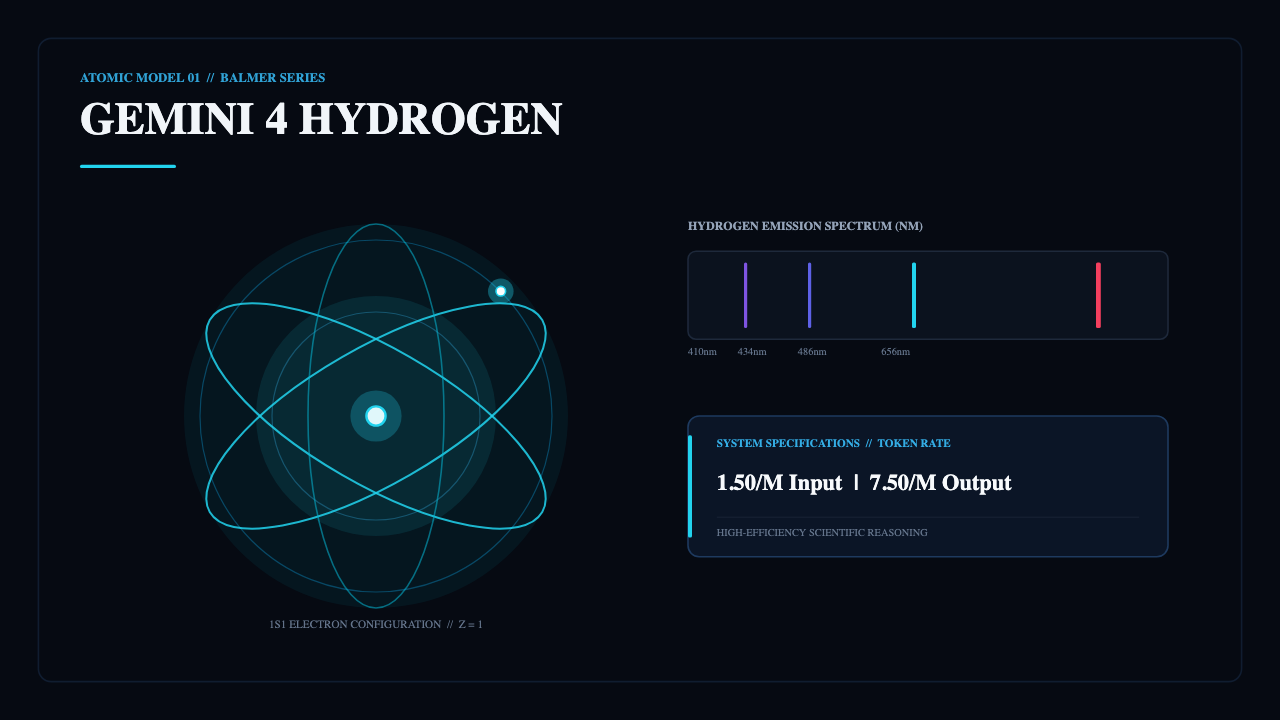
Gemini 4 Hydrogen (google/gemini-4-hydrogen) excels at structured infographics, architectural diagrams, product launch cards, typography posters, and geometric illustrations.
Your prompt calls Gemini 4 Hydrogen through fal OpenRouter ($1.50/M input, $7.50/M output), generates a validated scene graph, and renders crisp 720p or 1080p PNG files directly in your browser.
Every saved PNG is validated server-side for dimensions and integrity, stored privately in your account bucket, and linked to your task and credit settlement records.
20+ Vendor-Grouped LLMs for Image & Motion Video
Compare visual coding across Google (Gemini 4 Hydrogen, Neon, Carbon, Argon, Gemma 4 31B), Anthropic (Claude Opus 5.5, Fable 5.2), OpenAI (GPT-6 Astra Pro, GPT-6.1 Sol/Terra Pro), DeepSeek, Alibaba Qwen4 Max, Moonshot Kimi K3.1 Pro, xAI Grok 4.7, Meta Muse, MiniMax M3, and NVIDIA Nemotron.
Switch to the Video tab to generate animated 10–30s motion graphics with live playback scrubbing and client-side WebCodecs MP4 export at 720p or 1080p.
Both Image and Video pickers keep the exact clean vendor-grouped layout so you can pick the right model and inspect its reservation ceiling before submitting.
GPT Image 2.6 for Native GIF & SVG Outputs
For animated reaction GIFs (7-frame 768×768 loops) and clean scalable SVG icons, logos, and stickers, 4hydrogen.net includes GPT Image 2.6 Flare and Sunburst as the default engine.
Dedicated icon, logo, sticker, and meme tool pages pre-select GPT Image 2.6 with the matching SVG or GIF format so you can start immediately.
All standard diffusion image models (GPT Image 2.5, GPT Image 2, Seedream, and layer decomposition) remain available in the same picker.
Kie Seedance 2.5 Video Face Swap & Trending Templates
The Video Face Swap workspace and Trending templates run on Kie Seedance 2.5 edit, supporting 480p, 720p, and 1080p video face replacement on authorized 2–30s MP4/MOV clips.
Upload one authorized portrait and one source clip; the studio validates duration and calculates transparent credit quotes before submission.
MiniMax H3 Max / Turbo, Kling, Wan, and Veo remain available in the video workspace for photorealistic text-to-video and image-to-video clips.
Browser Image Utilities & Humanize AI
Prepare assets before or after generation with Compress, Resize, Convert, Rotate, Crop, Watermark, and background tools right in your browser without spending generation credits.
Use Prompt Seen to analyze reference images and Humanize AI to polish captions or launch copy in Natural, Friendly, or Professional tones.
All drafts, uploads, and plan selections survive sign-in redirects so you never lose work when signing in or checking out.
Camera moves you can direct
Two stills become one shot
The same character, shot after shot
Sound generated with the picture
One look held across every shot
It hits the beats in order
One continuous take, no cuts
Playable-looking game footage
A line to camera, lip synced
Claymation frog with pancakes
Hummingbird at a trumpet flower
Espresso, macro
04
Workflow examples
Illustrative ways to plan, generate, and review your work.
01
Product image draft
Illustrative workflow
Begin with a product photograph and a focused image-editing brief. Compare the draft with the original for shape, labels, and proportions before placing it into a listing. Add approved logos and exact copy in your design application.
02
One short product clip
Illustrative workflow
Choose a video model and describe one small action, such as a careful object turn. Review the available duration, resolution, and credits. Check the completed take for object continuity and sound before using it in a larger edit.
03
Editorial illustration
Illustrative workflow
Give the image workspace a subject, viewpoint, and visual metaphor that supports your article. Preview the result inside the intended layout. Adjust the crop or composition when it competes with the headline or obscures an important detail.
04
Lighter image attachments
Illustrative workflow
Sign in and use Compress Image when a picture has the right dimensions but a large file size. Compression runs in the browser; input and output images are saved to your account. Compare the result before downloading individual files or a ZIP.
05
A clearer text draft
Illustrative workflow
Paste a draft into Humanize AI and select Natural, Friendly, or Professional tone. Review the rewrite for meaning, names, figures, and technical terms. Copy or download the version you have checked; detector scores and publication outcomes are not guaranteed.
06
A visual series
Illustrative workflow
Record the palette, viewpoint, lighting, and subject scale in a reusable brief. Supply relevant references where the selected image model supports them. Compare the images together, then revise specific differences instead of assuming automatic campaign-wide consistency.
Featured on
TRENDING
Browse all ↗More Trending Templates














Gemini 4 Hydrogen Pricing and Credit Plans
Cancel anytime
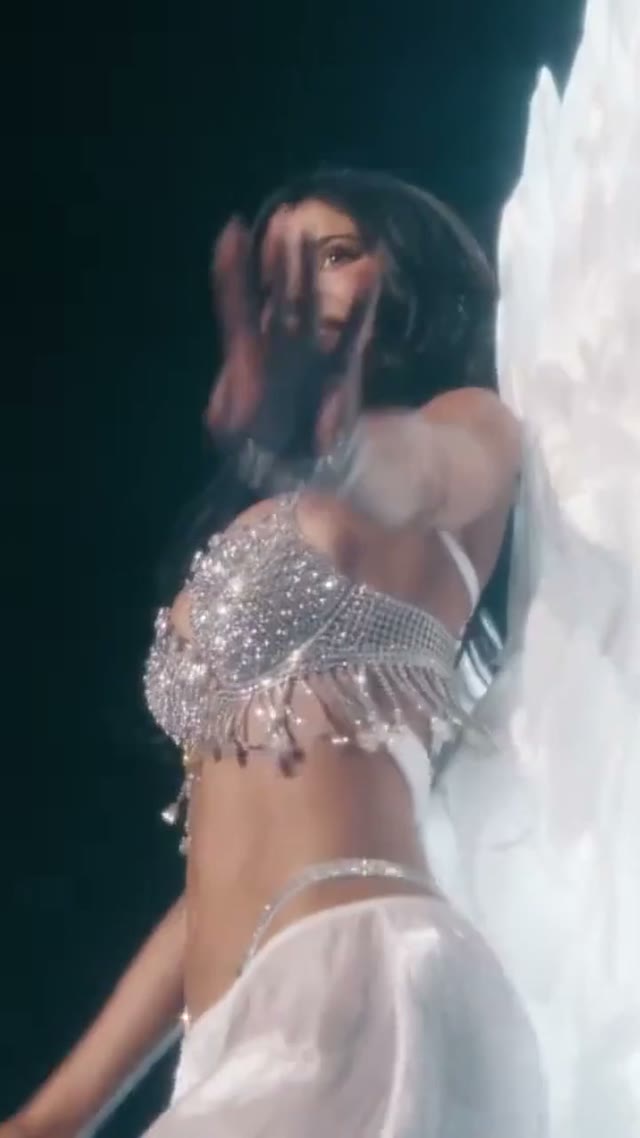
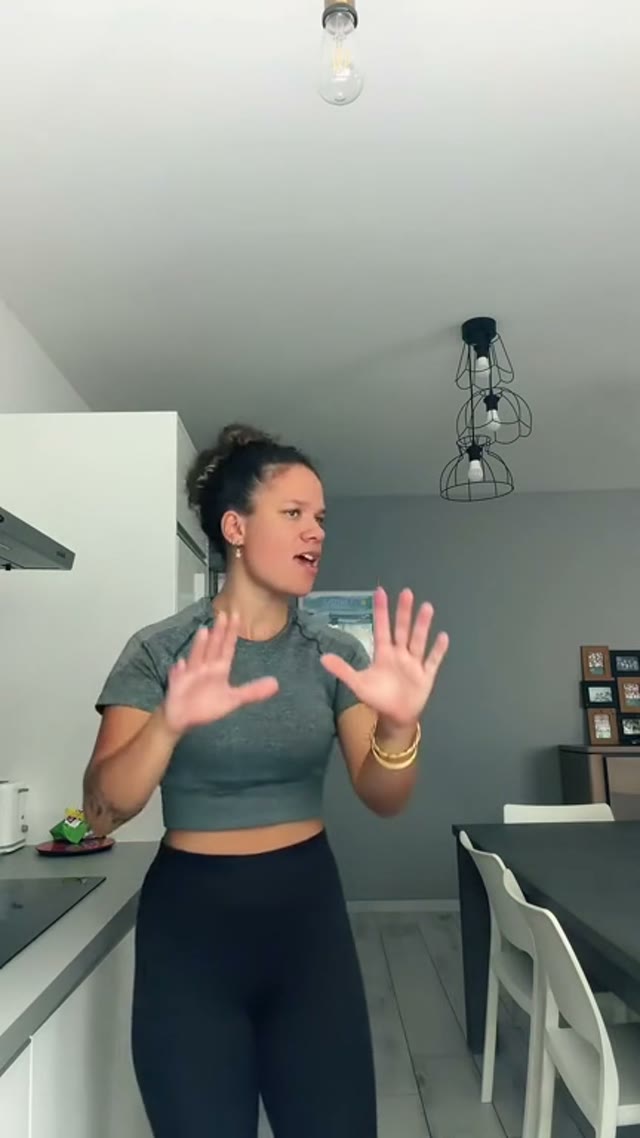
Trending face-swap templates cost 300 Credits per video, including full-length Bad Times and every available format. Other tools keep their own quotes. Existing MV tickets remain usable until their original expiry; new tickets are no longer sold.
Pay once annually; receive 1/12 of your annual Credits each month. The first allocation arrives after payment, then monthly. Tax included. Each allocation expires at the next subscription month or paid-year end.
Lite
50% off0.025 / credit
$358.8$179 / year50% off
$14.9/month equivalent · Billed $179· Save $179.8
Annual total: 7,200 credits, issued monthly
600/month
Video Models
MiniMaxSeedanceWanGrok ImagineKling


Image Models
SeedreamGPT ImageNano Banana


- Includes MiniMax H3 and all premium models
- Up to 1 batch generation task
- Standard generation speed
- Standard generation success rate
- Standard customer support
- Commercial Use License
Standard
50% off0.017 / credit
$598.8$299 / year50% off
$24.9/month equivalent · Billed $299· Save $299.8
Annual total: 18,000 credits, issued monthly
1,500/month
Video Models
MiniMaxSeedanceWanGrok ImagineKling
Image Models
SeedreamGPT ImageNano Banana
- Includes MiniMax H3 and all premium models
- Up to 4 batch generation tasks
- Priority processing speed
- High generation success rate
- Priority customer support
- Commercial Use License
Pro
50% off0.014 / credit
$1198.8$599 / year50% off
$49.9/month equivalent · Billed $599· Save $599.8
Annual total: 43,200 credits, issued monthly
3,600/month
Video Models
MiniMaxSeedanceWanGrok ImagineKling
Image Models
SeedreamGPT ImageNano Banana
- Includes MiniMax H3 and all premium models
- Up to 10 batch generation tasks
- Fastest generation speed
- High generation success rate
- Dedicated account manager
- Commercial Use License
Max
50% off0.012 / credit
$2398.8$1,199 / year50% off
$99.9/month equivalent · Billed $1,199· Save $1,199.8
1x
1x2x3x4x5x
Annual total: 96,000 credits, issued monthly
8,000/month
Video Models
MiniMaxSeedanceWanGrok ImagineKling
Image Models
SeedreamGPT ImageNano Banana
- Includes MiniMax H3 and all premium models
- Up to 10 batch generation tasks
- Fastest generation speed
- High generation success rate
- Dedicated account manager
- Commercial Use License
Pay safely and securely with




















05
FAQ
Inputs, outputs, credits, boundaries.
FAQ
Frequently asked questions about Gemini 4 Hydrogen
How LLM code rendering, browser PNG/MP4 export, transparent 1-cent credits, and account sign-in work on 4hydrogen.net.
When you select Gemini 4 Hydrogen (or any of the 20 connected LLMs), 4hydrogen.net calls that model via fal OpenRouter to generate structured visual scene code. Your browser renders the scene natively on HTML5 Canvas and exports verified PNG images or WebCodecs MP4 videos—it does not merely rewrite your prompt for another model.
1 site credit equals $0.01 of provider cost. Because browser canvas and MP4 rendering run locally on your device at $0 server compute cost, LLM tasks reserve the conservative upper bound before running and immediately settle at exact provider token usage (typically 5–9 credits for a Gemini 4 Hydrogen visual), refunding all unused reserved credits.
Homepage Image mode defaults to Gemini 4 Hydrogen · Code Image. Native GIF and SVG workflows default to GPT Image 2.6 Flare. Video Face Swap and Trending templates use Kie Seedance 2.5.
Sign in with Google, Google One Tap, or a passwordless email magic link (no password needed). Returning with the same verified email always restores your existing account. New accounts start with 0 free credits; choose any monthly plan, annual plan, or one-time credit pack on Pricing.
Yes. Prompt drafts, uploaded assets, and selected subscription or credit pack choices are preserved across Google OAuth and email magic-link sign-in, and signing out cleanly returns you to the public page.
No. 4hydrogen.net is an independent creative studio integrating Gemini 4 Hydrogen and other AI models via authorized API providers. Model names identify available integrations, not provider endorsement.
Gemini 4 Hydrogen support: hi@4hydrogen.net
06
CTA
Turn evidence into generation.
Start creating
Build your next visual with Gemini 4 Hydrogen
Start in the Gemini 4 Hydrogen image studio, try any of our stored examples with Use this prompt, or compare all 20 vendor-grouped LLMs across PNG images and MP4 motion videos.
Transparent 1-cent credit settlement, instant browser rendering, GPT Image 2.6 GIF/SVG, and Kie Seedance 2.5 Face Swap—all in one workspace.
Start creating with Gemini 4 HydrogenReview the selected model
Check credits before generation
Inspect your result